
Why a Camera is the Best Security for Your Time Clock
BLOG Last updated September 29, 2026
Time clocks are the gatekeepers of payroll, yet they are notoriously susceptible to human error and deliberate abuse. Businesses often invest in sophisticated time clock technology, from fingerprint scanners to RFID badges, believing these features will solve their timekeeping woes. However, in practice, no on-device security feature can fully address the most common, and costly, problems: time theft and failure to clock in/out.
The single most effective defense against these issues isn't a biometric reader, but a simple security camera pointed directly at the time clock.
The Problem with On-Device Security
Advanced time clock features like biometric scanning (fingerprint or facial recognition) try to prevent "buddy punching," where one employee clocks in another who is late or absent. This is valuable, but it fails to address the two biggest gaps in timekeeping integrity:
- Forgetting to clock in or out. Employees, especially when rushing, often genuinely forget to complete their punches. This leads to manual corrections, which are time-consuming and prone to disputes.
- Emotional exits and intentional evasion. A significant type of time theft involves employees leaving work early, perhaps after a frustrating meeting or when feeling unwell, but deliberately not clocking out. They may claim they forgot, but the intent is to avoid getting in trouble for leaving early. Since the physical time clock recorded a successful punch in, its own data cannot prove the employee left the premises without completing the out punch.
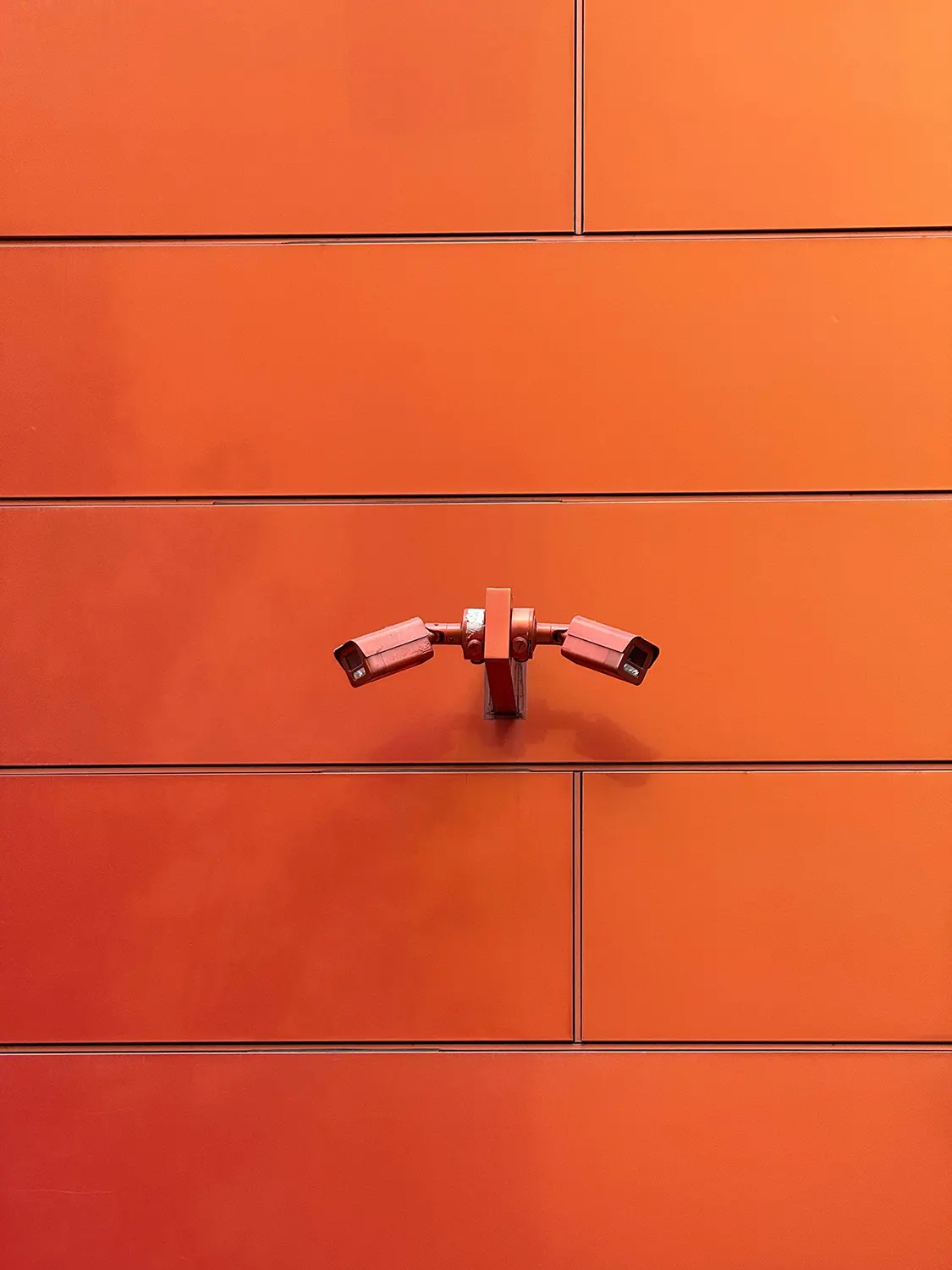
The Camera: A Complete and Neutral Record
A camera provides the complete, contextual, and unbiased record that internal time clock security features cannot.
- Deterrence of Time Theft: When employees know their actions at the clock are being recorded, they are significantly less likely to engage in time theft, such as leaving early without clocking out. The fear of being caught on video acts as a powerful deterrent.
- Irrefutable Evidence for Correction: When an employee claims they forgot to clock in or out, the video footage provides an irrefutable record. You can quickly verify if they were physically present at the time clock at the start or end of their shift, or if they walked past the clock without stopping. This speeds up payroll corrections and removes ambiguity from disputes.
- Validation of On-Site Presence: The camera captures not just the action of punching, but the employee's presence at the time of punching. This is key for verifying that the person using the fingerprint or badge is actually the employee and not simply holding their credentials.
While a time clock system can confirm who performed a punch, only an unblinking security camera can confirm when the employee actually arrived or departed the workplace, making it the superior and most necessary layer of security for accurate timekeeping.
Getting the Setup Right
A camera only delivers on its promise if it's set up thoughtfully. A handful of practical decisions determine whether the footage is actually useful when you need it.
- Placement and framing. The camera should have a clear, unobstructed view of the clock itself and the immediate area around it, not just a wide shot of the room. You want to be able to see a face and a set of hands at the punch point, not a distant silhouette walking past a doorway.
- Retention windows. Payroll disputes rarely surface the same day they happen; they show up when someone reviews a pay stub a week or two later, or when a pattern only becomes obvious after several pay periods. A retention window of at least 30 days gives you enough runway to investigate most claims without having to store footage indefinitely.
- Timestamp accuracy. The camera's internal clock needs to be synced with the time clock system's clock. If the two drift out of alignment, footage that should exonerate or confirm a claim instead becomes a new source of confusion.
- Reliable uptime. A camera that's frequently offline or that only records on motion-trigger can miss the exact moment you need. For a time clock station, continuous recording during business hours is worth the extra storage cost.
These fundamentals apply just as much to the time clock itself as to the camera watching it. If you're using a tablet as the kiosk, our hardware setup guide covers how to mount it securely so it can't be knocked out of position or removed.
Privacy and Legal Considerations
Because a time clock camera captures employees rather than the general public, it sits in a slightly different category than a typical security camera aimed at an entrance or a stockroom. A few things are worth thinking through before installation:
- Notice, not surprise. In most jurisdictions, employees should be informed that a camera is in operation at the time clock, even if formal consent isn't legally required. A simple sign near the clock, plus a line in the employee handbook, avoids the perception that footage is being gathered covertly.
- Scope the footage narrowly. The purpose here is to verify punches, not to conduct broad surveillance of staff. Keeping the camera's field of view limited to the clock area, rather than a break room or a full floor, keeps the tool proportionate to the problem it's solving and reduces pushback.
- Control access to the footage. Recordings should be reviewable only by whoever handles payroll disputes and investigations, not treated as general viewing material. This limits misuse and reassures staff that the footage exists for a specific, legitimate purpose.
- Check local rules. Workplace surveillance laws vary by country and, within New Zealand, can also be shaped by the Privacy Act and any relevant employment agreements. It's worth a quick check with HR or legal counsel before rolling this out, particularly in unionised workplaces.
Addressing the Employee Pushback
Any mention of "camera" near a time clock tends to raise an eyebrow, so it helps to be upfront about what the tool is and isn't for.
Framed correctly, a time clock camera protects employees as much as it protects the business. It's the same footage that proves an employee did clock in on time when a system glitch fails to register the punch, or that confirms someone left at the correct time despite a manager's mistaken recollection. A neutral record cuts both ways, and most staff come around once they see it used to resolve a dispute in their favour, not just to catch someone out.
Accurate, timestamped presence data has value beyond payroll, too. Many workplaces already rely on the same underlying principle for health and safety, using who's-clocked-in data to run an accurate roll call during an evacuation.
The Bottom Line
Biometric scanners and RFID badges solve the problem of who punched the clock. They do nothing to solve the more common and more expensive problem of whether the punch reflects reality. A camera fills that gap directly, cheaply, and with a level of objectivity that no on-device feature can match.
For businesses serious about closing the gaps in their timekeeping, the fix isn't a more advanced clock. It's a second, independent set of eyes watching the one you already have.

Loïc Joachim
Loïc Joachim is a New Zealand-based IT professional, entrepreneur, and political figure, currently serving as the Managing Director for Timeclock.Kiwi and the IT Manager for the O'Brien Group. He is also involved in politics as the Deputy Chair of the Dunedin Labour Party and is a prolific writer who shares his knowledge and opinions on technology, business, and political affairs.