
Automate the fiddly bits: rounding, breaks and clock-ins
Set the rules once and let Timeclock.Kiwi handle the rest, from rounding clock-ins and applying unpaid breaks to clocking people in and out automatically, so your timesheets come out consistent every time.
Automatic Time Rounding
Round clock-ins to the nearest increment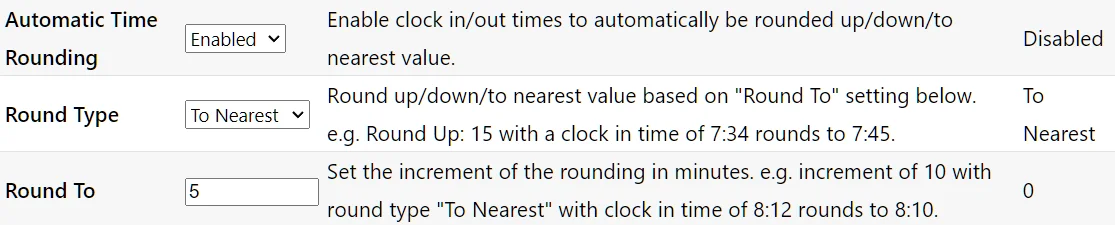
Found under Settings > General
Free for 3 months, no credit card required.
Automatic Clocking
Automatically clock users in or out at specified times.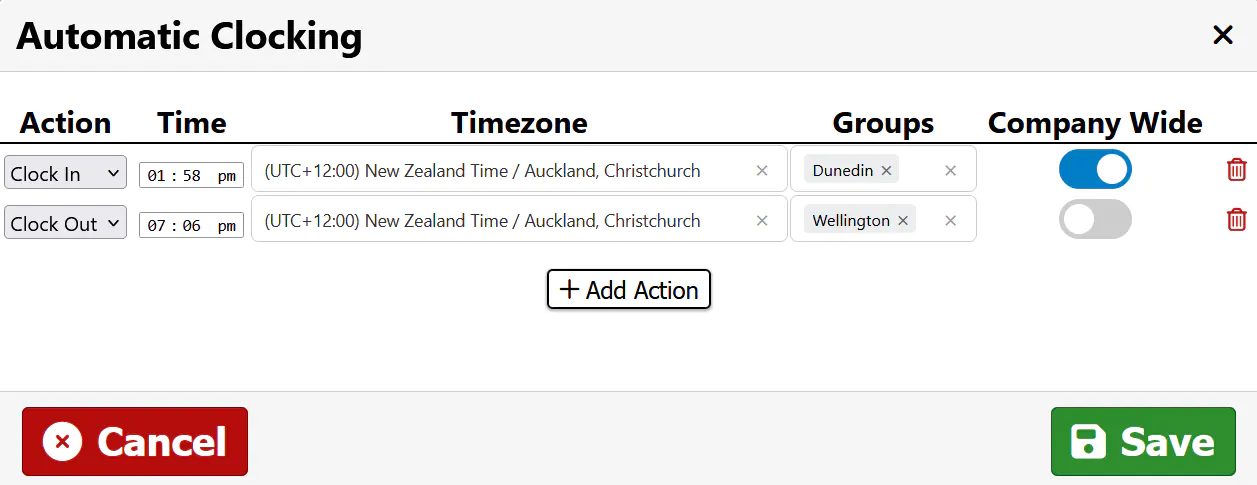
Rules can be customised to only apply to the groups of users you select.
Found under Settings > General > Automatic Clocking
Location Restrictions
Decide which mobile app users have to be on a job site in order to clock in.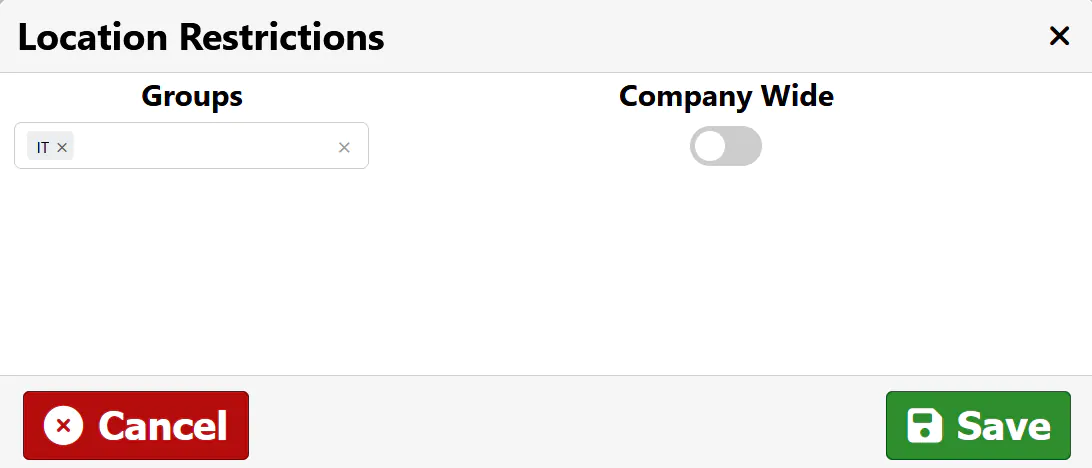
Found under Settings > General > Location Restrictions
Automatic Breaks
Set rules for how automatic breaks are calculated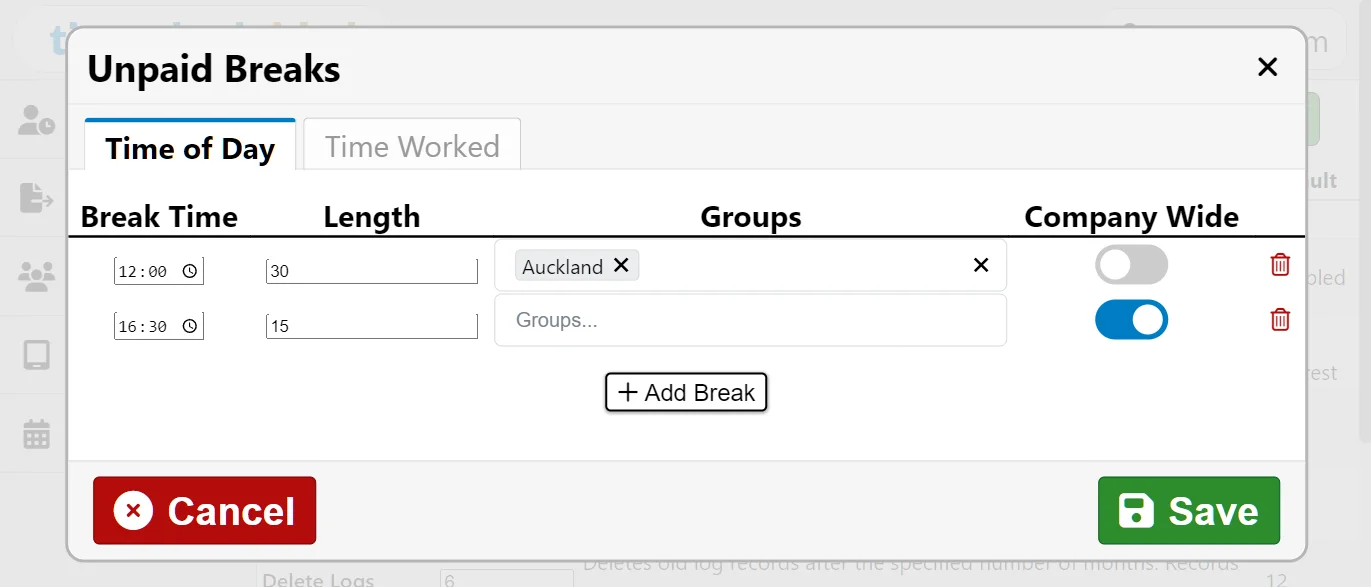
If a person is working at the specified time, an unpaid break of that length will be applied.
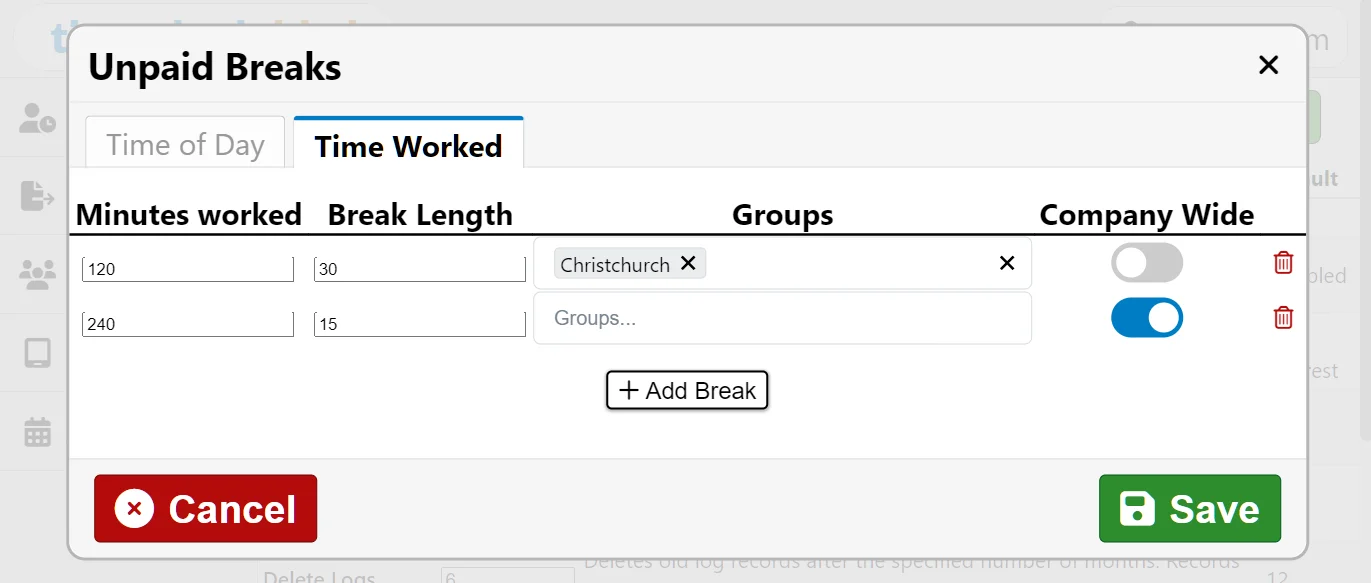
If a person has worked for the specified amount of time, an unpaid break of that length will be applied.
Found under Settings > General > Automatic Breaks