
Spot issues and fix timesheets without the spreadsheets
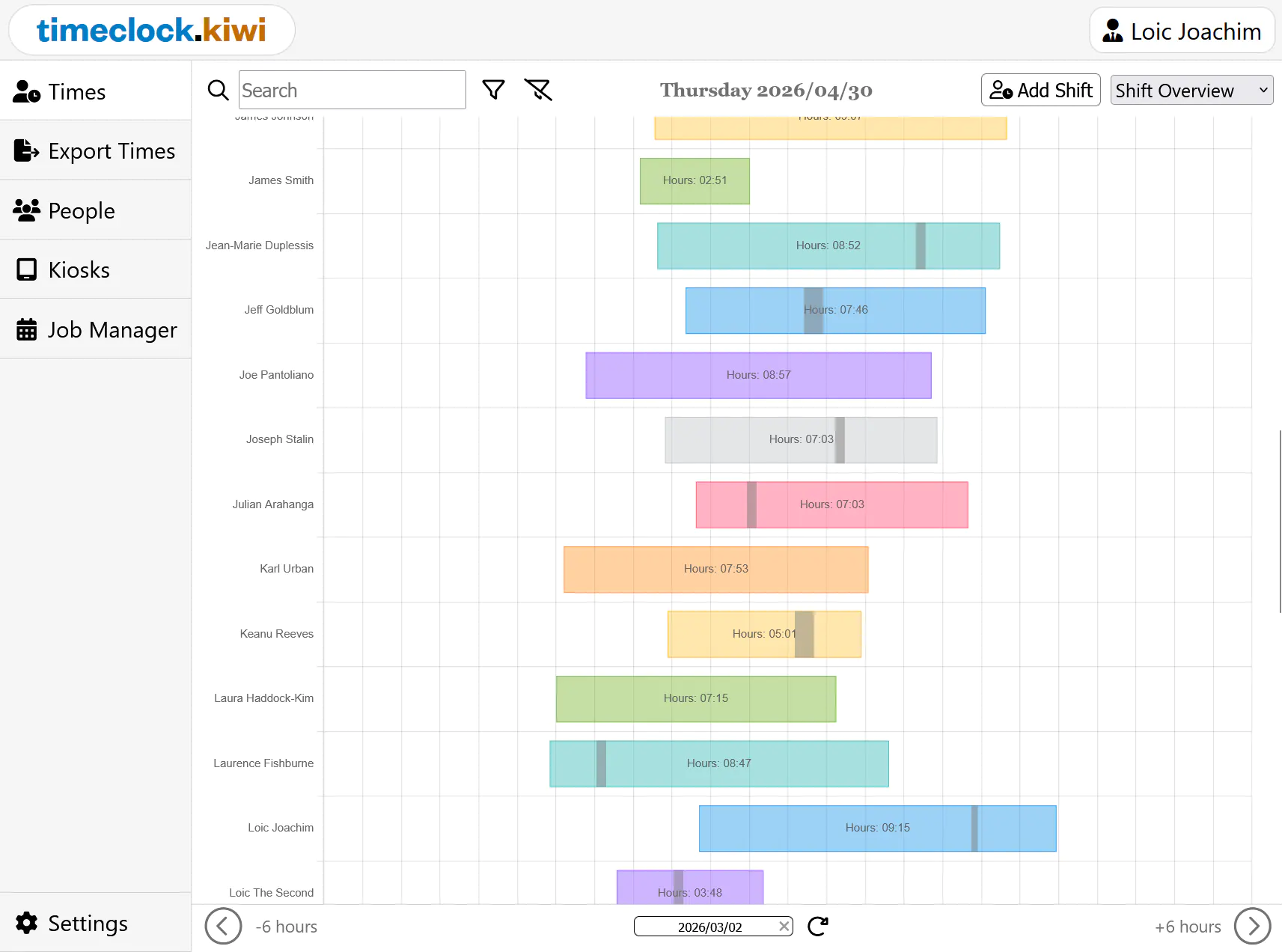
See your team's hours as interactive graphs instead of endless rows of numbers. Catch the data you care about at a glance, then click straight on a shift to correct it.
How it works
- 1
See the day
Every shift is drawn as a block on a timeline, so gaps, overlaps and long days stand out.
- 2
Click a shift
Spot something odd? Click the block to open that person's shift.
- 3
Fix it
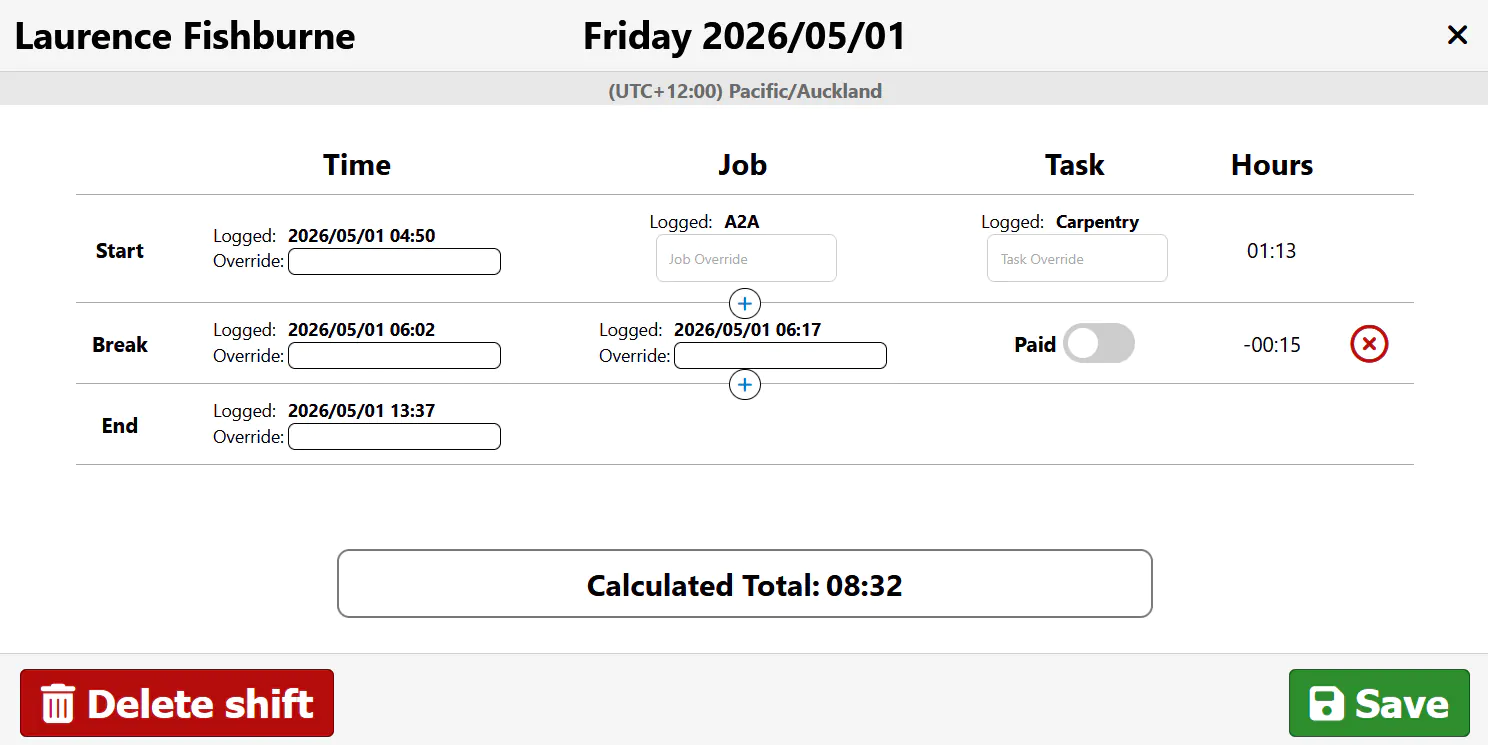
Correct the times, break or job and save. The original clock times are kept alongside.
Free for 3 months, no credit card required.
Fix a shift in a couple of clicks
-
Start, break and end
Change any time in the shift, and the calculated total updates as you go.
-
Job & task
Move time onto the right job or task if someone picked the wrong one.
-
Paid or unpaid breaks
Flip a break between paid and unpaid with one switch.
-
Nothing is lost
What was actually logged stays on the shift next to your override, so you can always see what changed.
Consistency
-
Patterns at a glance
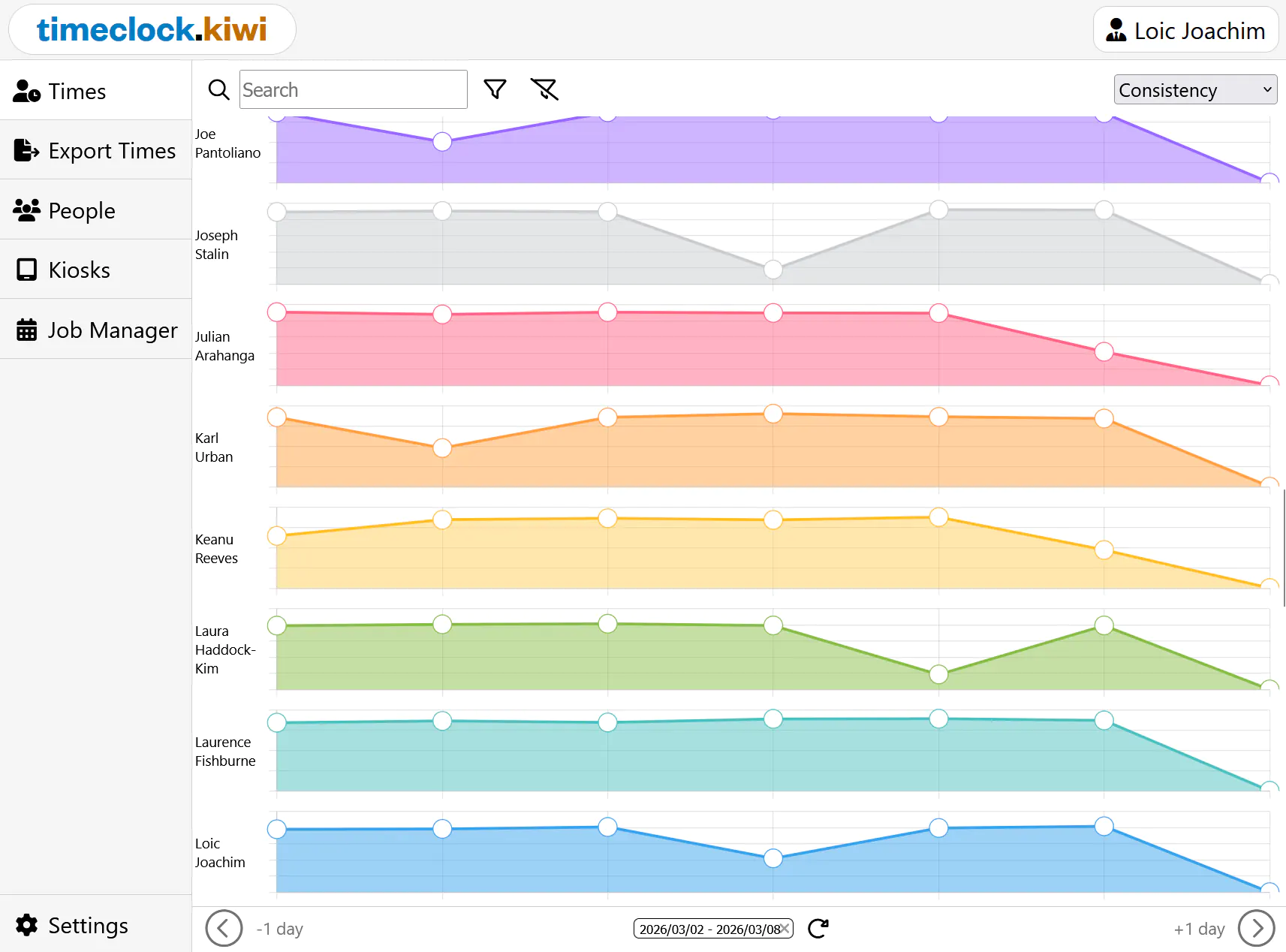
See who is putting in their hours every day and who drops off on certain days.
-
Know who needs support
Spot people who might need a conversation, extra training or a different roster.
Location Activity
-
Activity by site
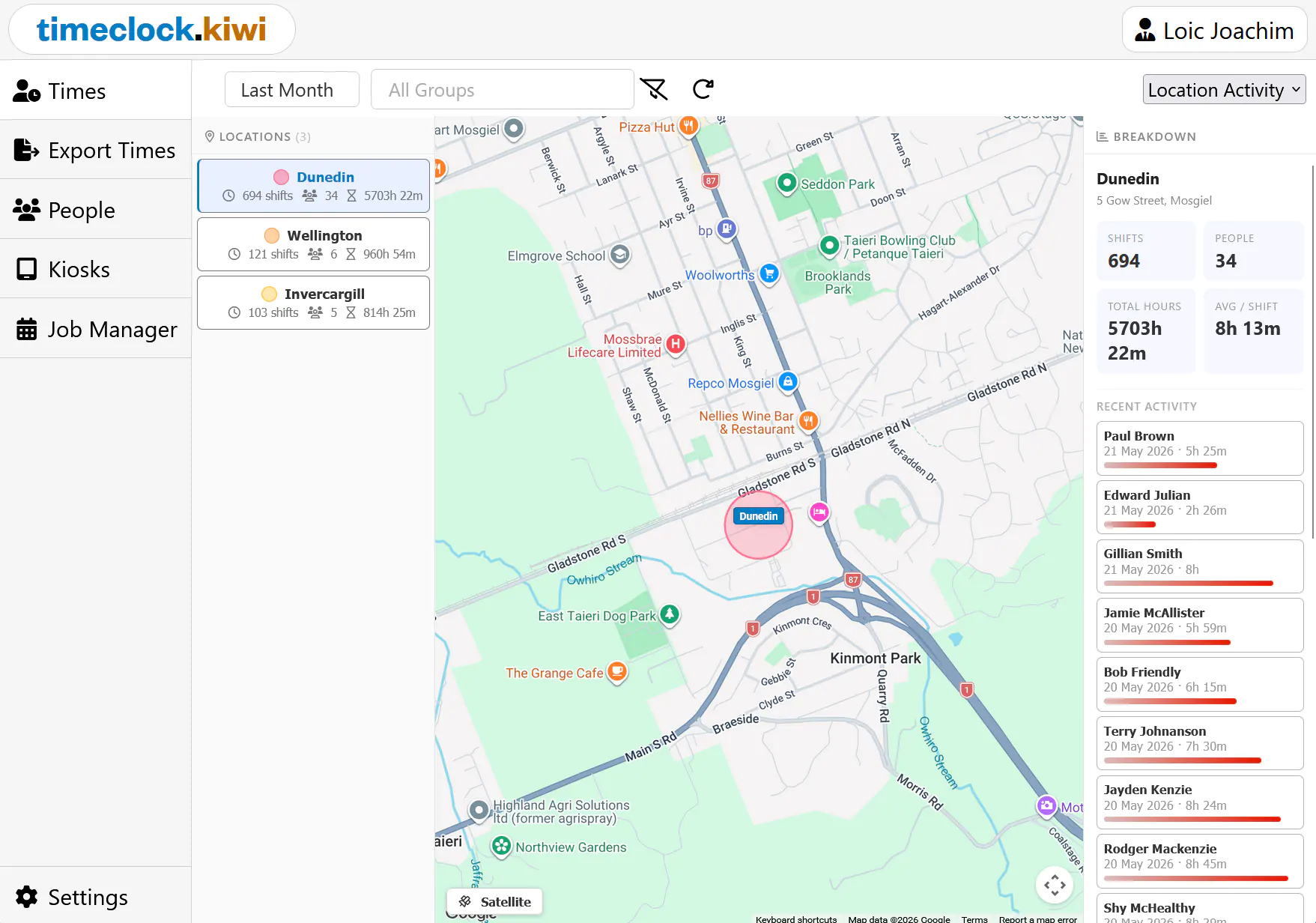
See total hours and recent clock ins and outs for each of your locations.
-
Off roster clocks flagged
Clock ins on a day someone wasn't rostered are marked, so they are easy to check.
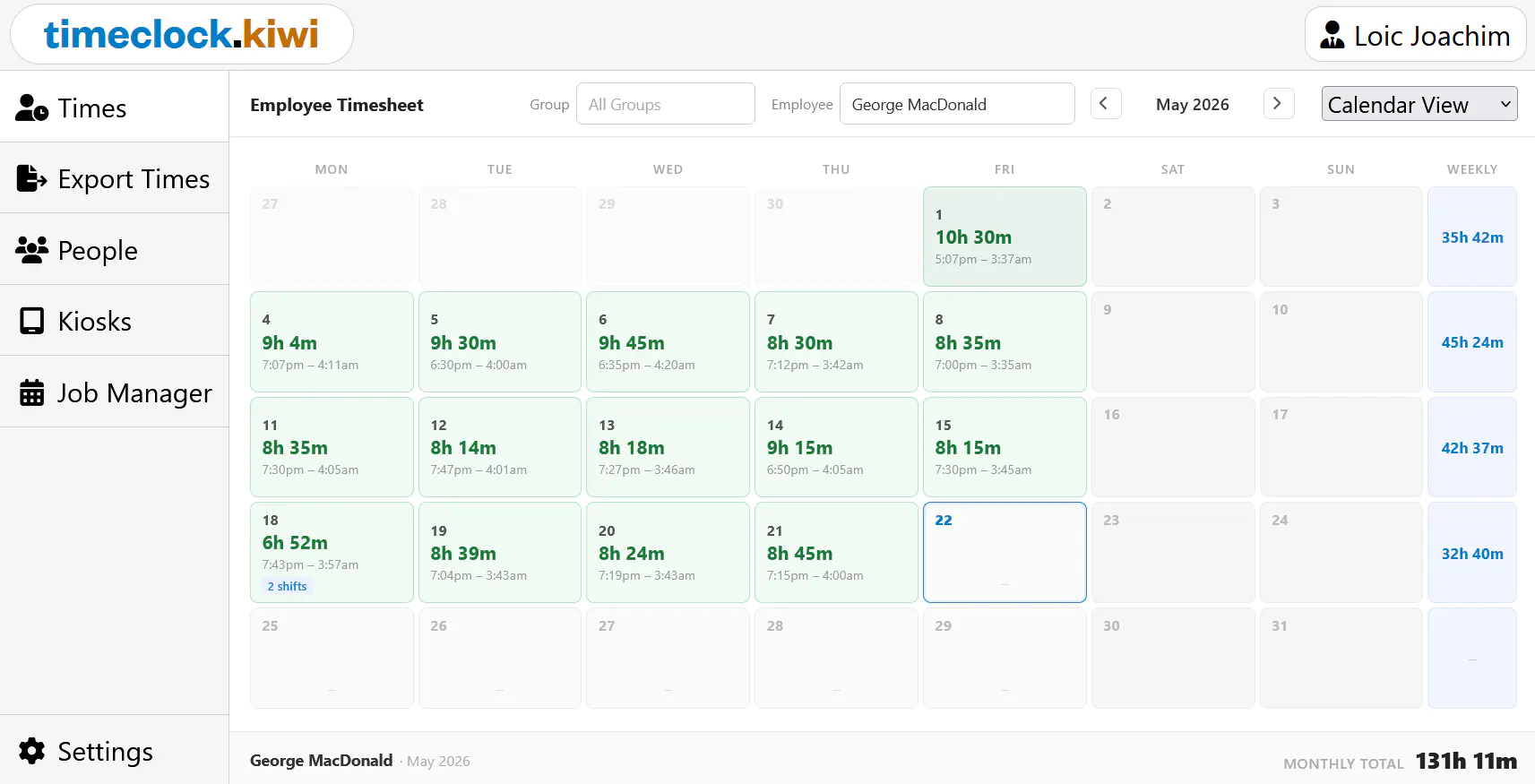
Calendar View
-
A familiar layout
See a person's shifts in a classic month calendar, each day showing the hours they worked.
-
Weekly and monthly totals
Totals for each week and the month are worked out for you.
Free for 3 months, no credit card required.